

What's inside, and what isn't yet.
MetaScape is built in the open. Here is exactly what exists today, how it works, and the parts that are still being written.
- Open now
Commons
Where everyone arrives: an open plaza with a portal ring for each district and a map kiosk by the spawn.
The communal world
- Open now
The Market
Twelve real storefronts across three wings. Browse, talk to whoever's shopping next to you, buy on their own site.
Style · Beauty & Wellness · Dining
- Open now
Homes
A street where anyone can claim a free house, decorate it and bring people to it. Your name gives you an address.
Your address in the world
- Open now
Work
An office floor with desks and meeting rooms. The front desk opens a private floor for your team that you share by link.
Team rooms by link
- Open now
Events
An amphitheatre with one big screen that anyone can book — to teach, to perform, to show something to everybody at once.
Everyone in one place
- Open now
The Wall
Who has been here. Sign your name and leave a video hello from wherever in the world you actually are.
The visitors' book
- Open now
Metrix Prime
The home world of the Metrix universe, next door: a night city whose portal rings each open onto a real business's site.
Walk, drive or fly
- Open now
The Overland
Open country outside the districts, and the roads that join them. Ground you can claim and build on — and the only place in MetaScape where anyone can be hurt.
Take a car and drive
Inside the Market
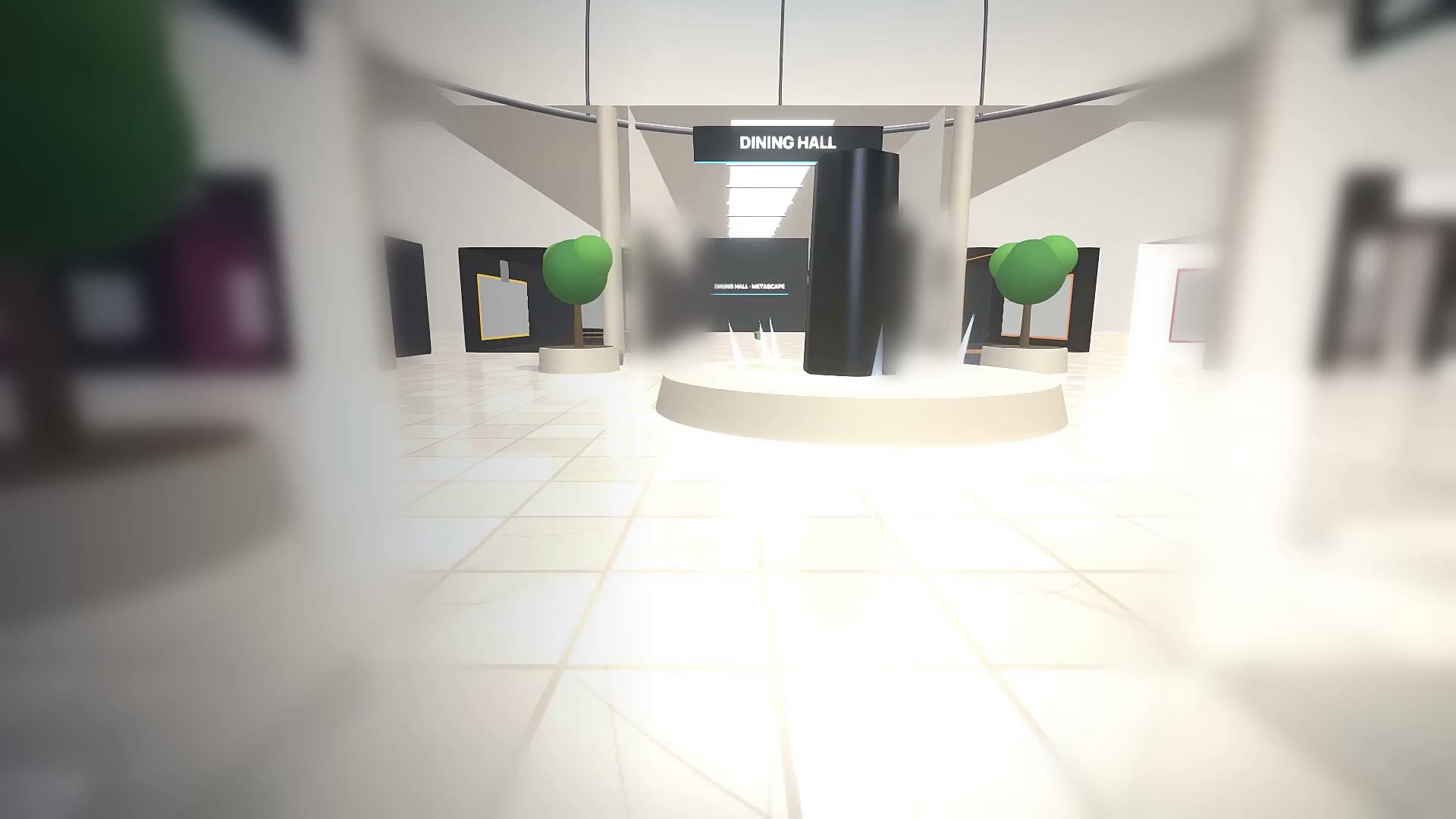
The Market is a single hall: a foyer, an atrium with a directory kiosk, and three wings — Style, Beauty & Wellness, and Dining. Each wing holds the storefronts of real businesses in that category.
Every storefront shows the business's name, its own words about itself, its colours and logo, and up to four of its real products. Prices appear only when the business publishes them. Walk up to a unit and browse it; one tap takes you to the business's own site to buy.
Whoever else is in the Market, you see them, walking, in real time. Talking is nearby-only: what you say reaches the people within sixteen metres of you and nobody else — the way a room works.
How presence works
Everyone inside is connected to the same realtime server. Positions are shared ten times a second, so you see people move, not teleport.
Voice rides the same connection. Switch your microphone on and your audio is relayed to the people within the same sixteen metres — no peer-to-peer, so it works from behind any router. It follows you through a portal into the next district.
There's no feed, no follower count and no direct messages. If you want to talk to someone, walk over to them.
- positions a second
- 10
- earshot, talk and voice
- 16 m
How you show up
You choose a name (or walk in as Guest) and a body, then set height and build, colour the top, bottoms and shoes, and match your skin and hair from a photo if you'd rather not pick by eye.
Once you have a house, your wardrobe is in it: that's where you change afterwards. Standing at somebody else's wardrobe does nothing — it's theirs.
Your choice is saved on your device. You can walk in without signing up for anything.
And then there's the Overland.
Behind the plaza there's a gap in the hedge. Through it the districts stop and open country starts: three hundred and ninety metres of ground, cut into parcels you can claim, build on, and lose. It is the one part of MetaScape where anyone can be hurt — and you have to walk out there to find it.
How the Overland works- parcels you can hold
- ~700
- rungs from tent to hall
- 5
- charged during beta
- 0
Phone, desktop, headset.
MetaScape runs in the browser. Nothing to install.
Phone
Drag anywhere to walk, push to the rim to run, a second finger looks around. Tap a store to browse it.
Desktop
W / S walk, A / D turn, Shift runs, drag to look. C for first person, T to talk, E to browse.
Headset
On a WebXR headset the HUD shows Enter VR. The left thumbstick walks where you look.
Safety and privacy, as built
- You can walk in without an account, an email or a password.
- Nobody can be hurt in any district, on the plaza, or inside the protected ground around a district's gate. The world refuses it there.
- Names are sanitised and de-duplicated; every message is size-capped, validated and rate-limited before anyone else sees it.
- Talk and voice are delivered only to the people within sixteen metres of you, and no history of either is kept.
- The world only accepts connections from its own domains.
- A real person's face becomes an avatar only with that person's explicit OK.
Things people ask.
Is MetaScape a game?
No. There's nothing to win, no score and no missions. It's a shared place — you walk around, meet people and visit real businesses. The Overland outside the districts is the one part with a fight in it, and you have to walk out there on purpose to reach it.
What do I need?
A browser. It works on a phone, a laptop or desktop, and on a WebXR headset. Nothing to install.
Do I need an account?
No. You pick a name and a look; that choice is saved on your device so you look the same next time, and you can walk straight in without signing up for anything.
Does it cost anything?
No. MetaScape is in beta and its economy is switched off, so every price in the world reads zero and nothing you hold lapses. There is no payment processor anywhere in it.
What is SCAPE, then?
The unit land and buildings are priced in. It exists only inside MetaScape's own database, cannot be bought, sold, withdrawn or exchanged, and is not a cryptocurrency. During beta it is off entirely.
Can other people see me?
While you're inside, other visitors see your name and your avatar, the same way you see theirs. Talking is nearby-only — only people within sixteen metres of you receive what you say, and the same sixteen metres carries your voice if you switch the microphone on.
Can I be attacked?
Not in a district, not on the plaza, and not at a district's gate — the world refuses it there. It is only possible on open ground in the Overland, which you reach by walking out through the gap behind the plaza.
Are the stores real?
Yes. Every storefront belongs to a real business. What you see are their own products and, where they publish them, their own prices. Buying happens on the business's own site.
Where does it live?
The world is at metascape.world. This site explains it; the world is where you go.